
How to Improve Wi-Fi Signal at Home
Diagnose weak home Wi-Fi, reposition the router, reduce interference and choose a suitable extension method without changing provider settings unnecessarily.
Updated
What you need
Tick off what you already have.
Tools
 AI illustration
Step 01 / 06
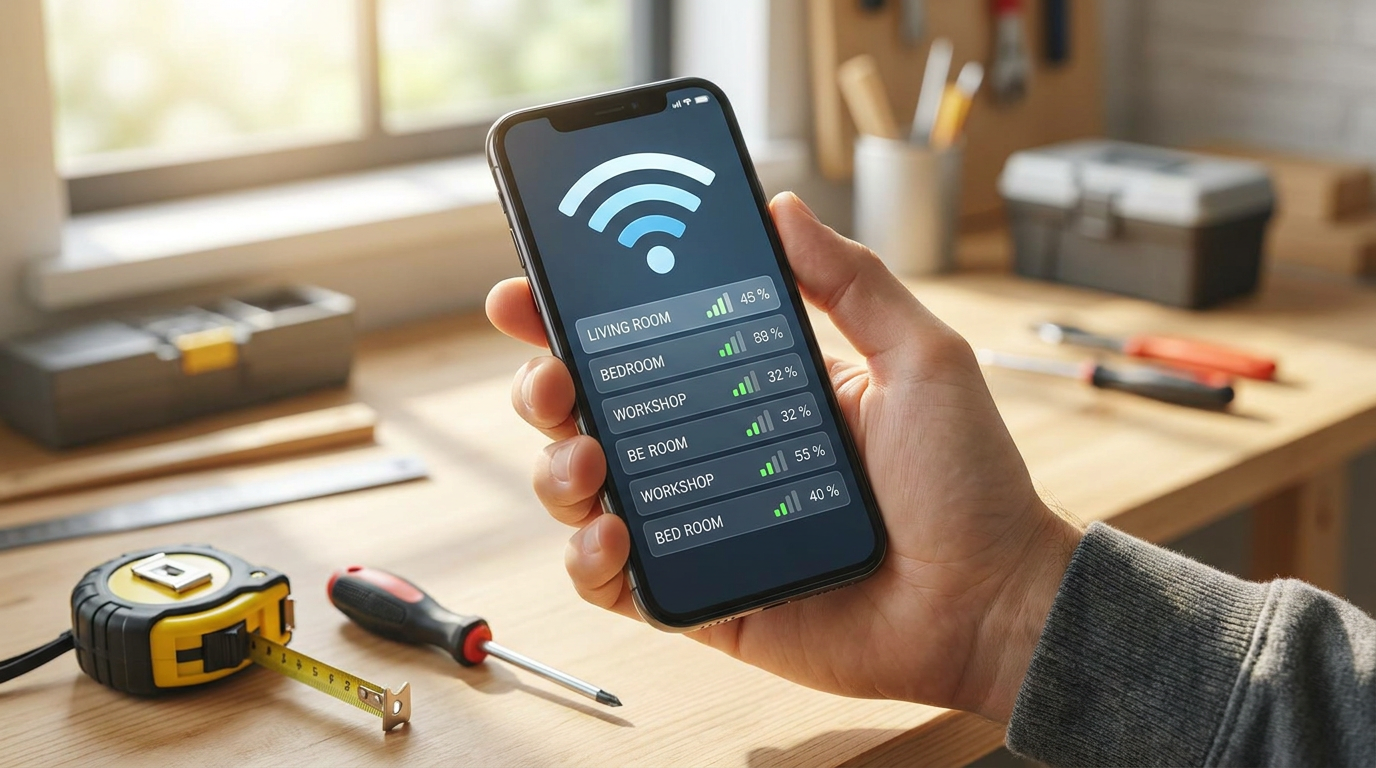
Record where the signal is weak
Test the same device near the router and in each problem room at similar times; note speed and dropouts. Check a second device. Pause large downloads during comparisons. If all devices are slow even nearby, compare with Ethernet if available and check your provider for an outage before buying Wi-Fi equipment.
1. Record where the signal is weak
Instructional illustration generated with AI for Howmigo. Test the same device near the router and in each problem room at similar times; note speed and dropouts. Check a second device. Pause large downloads during comparisons. If all devices are slow even nearby, compare with Ethernet if available and check your provider for an outage before buying Wi-Fi equipment.
2. Restart and update the equipment
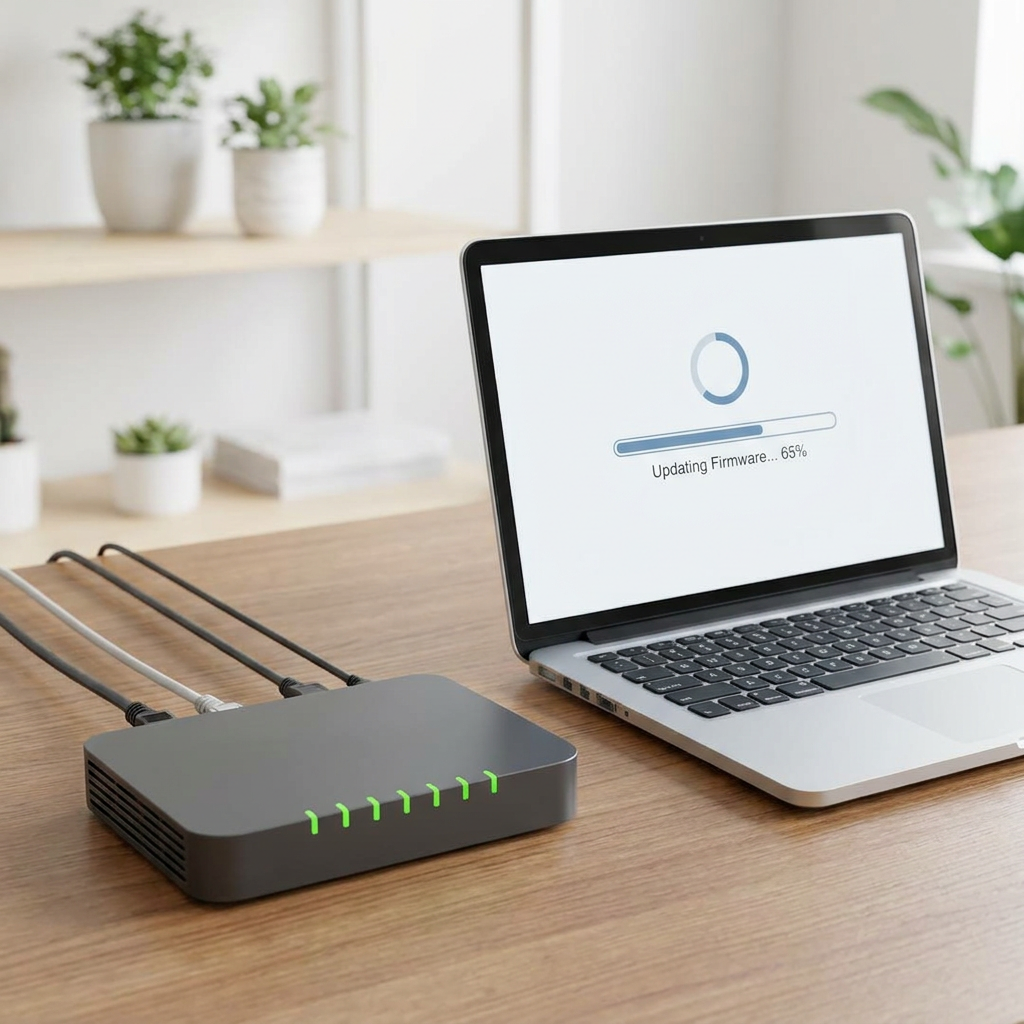
Instructional illustration generated with AI for Howmigo. Restart the modem and router in the manufacturer's order and wait for each to reconnect. Back up settings before making changes. Install firmware only through the official app or administration page; do not interrupt its power. Avoid factory reset unless you have connection details and intend to set everything up again.
3. Move the router to a better position
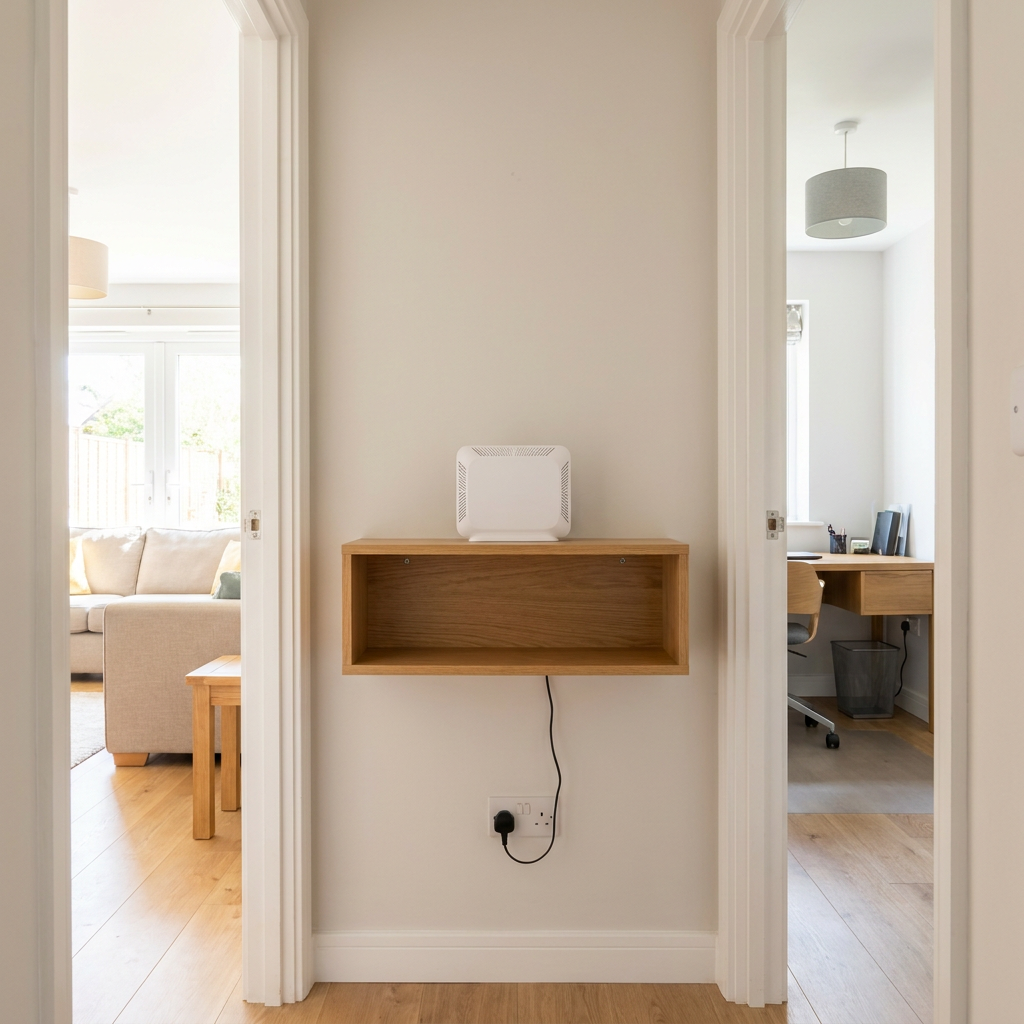
Instructional illustration generated with AI for Howmigo. Place the router in an open, central and raised position where possible. Keep it away from metal cabinets, floors, thick masonry, aquariums and large appliances. Avoid enclosing it or covering its ventilation openings.
4. Reduce radio interference
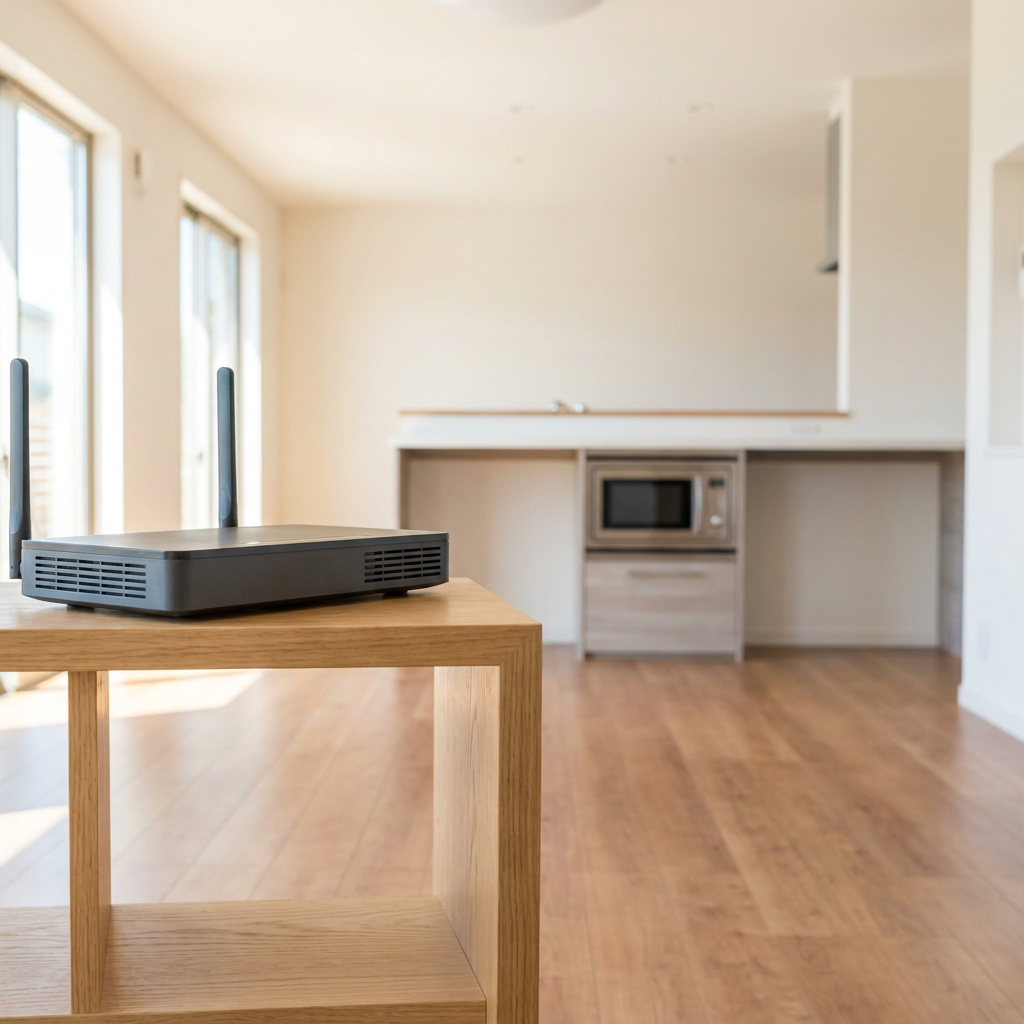
Instructional illustration generated with AI for Howmigo. Separate the router from microwave ovens, cordless-phone bases, baby monitors and crowded Bluetooth equipment. Try automatic channel selection first. Keep supported bands enabled: 2.4 GHz usually reaches farther; 5 GHz or 6 GHz can perform better nearby on compatible devices. Band steering can help devices select a suitable band.
5. Retest before adding equipment
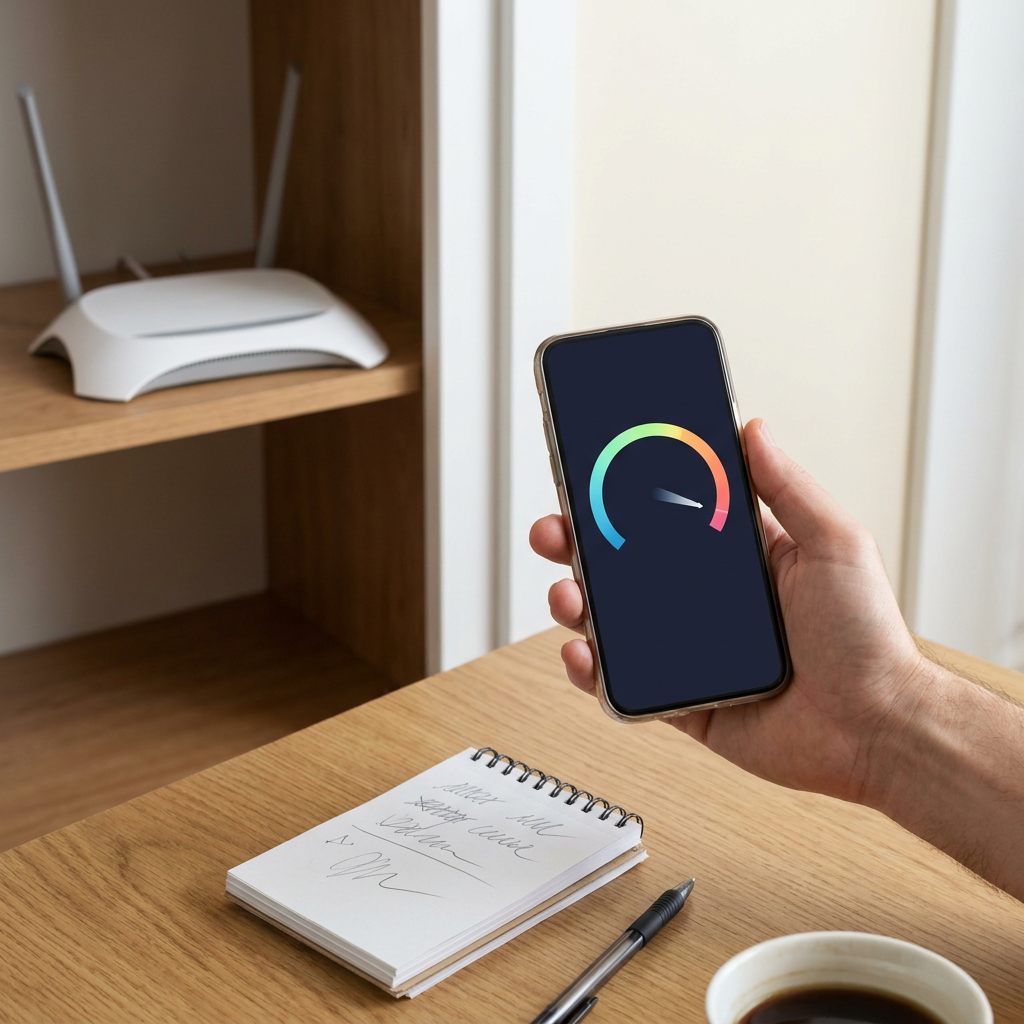
Instructional illustration generated with AI for Howmigo. Repeat the same tests in the same places after each change. If only one device has trouble, update or troubleshoot it. Before forgetting and rejoining Wi-Fi, make sure you know the password. If Ethernet is also consistently slow, troubleshoot the internet connection with your provider.
6. Choose an extension method if needed
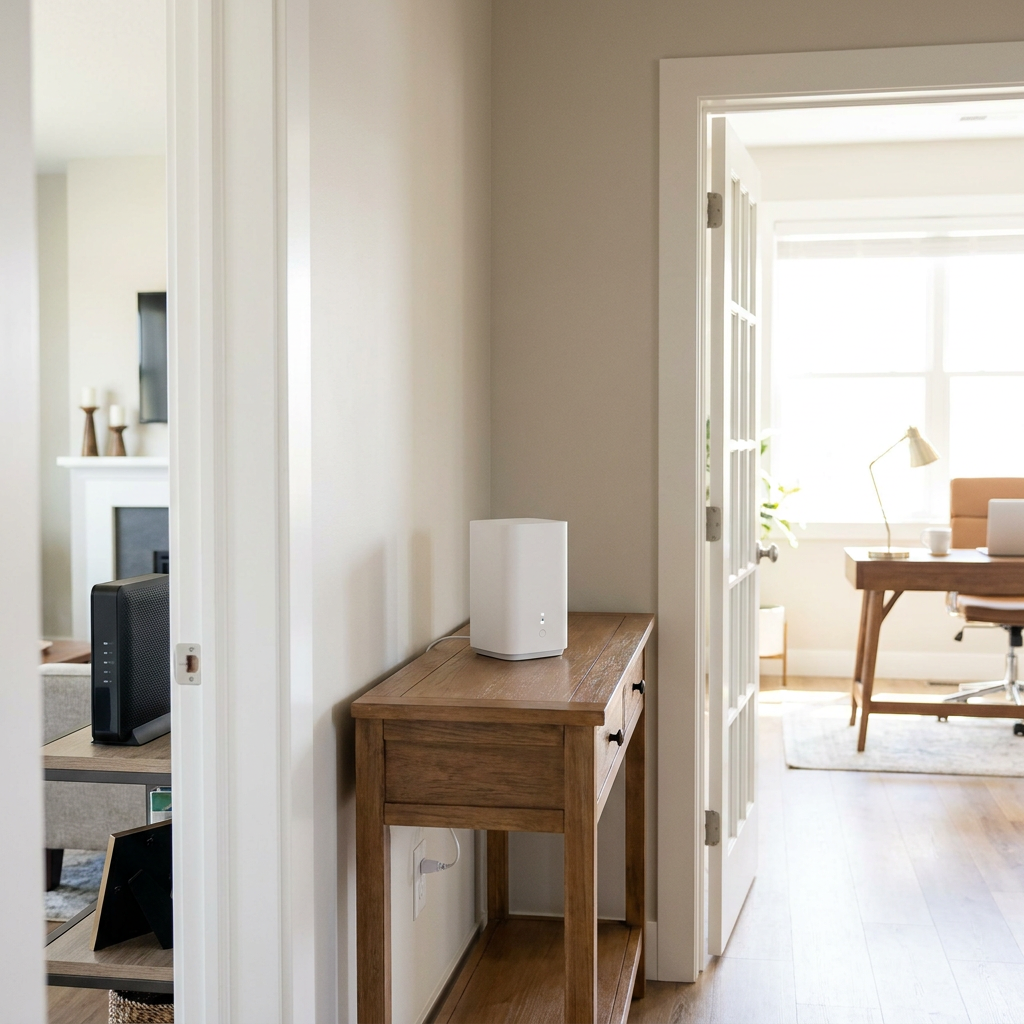
Instructional illustration generated with AI for Howmigo. For remaining dead zones, consider an Ethernet-connected access point or a compatible mesh system. Place wireless mesh nodes or extenders where they still receive a strong upstream signal, not inside the dead zone. Follow the maker's setup to avoid competing routers. Use WPA3 Personal or WPA2/WPA3 transitional security and a strong password; retest coverage.
Common questions & troubleshooting
Did this guide help you?
Was this guide useful?
Discussion
No comments yet
Ask a question, share a tip, or reply to someone else.
Sign in to commentLoading comments…