
Electronics
Step-by-step guides for cleaning, maintaining and troubleshooting everyday electronics and computer equipment. Learn practical ways to care for keyboards, devices and accessories, solve common issues and keep your tech working well.
3 guides

Electronics
How to Clean a Laptop Screen Safely
Clean fingerprints, dust and light smudges from a laptop screen without damaging its coating. Use a dry microfiber cloth first and only a lightly dampened cloth when needed; never spray liquid directly onto the display. To clean keys and crumbs too, see [how to clean a computer keyboard](/en/guides/clean-computer-keyboard).
Electronics
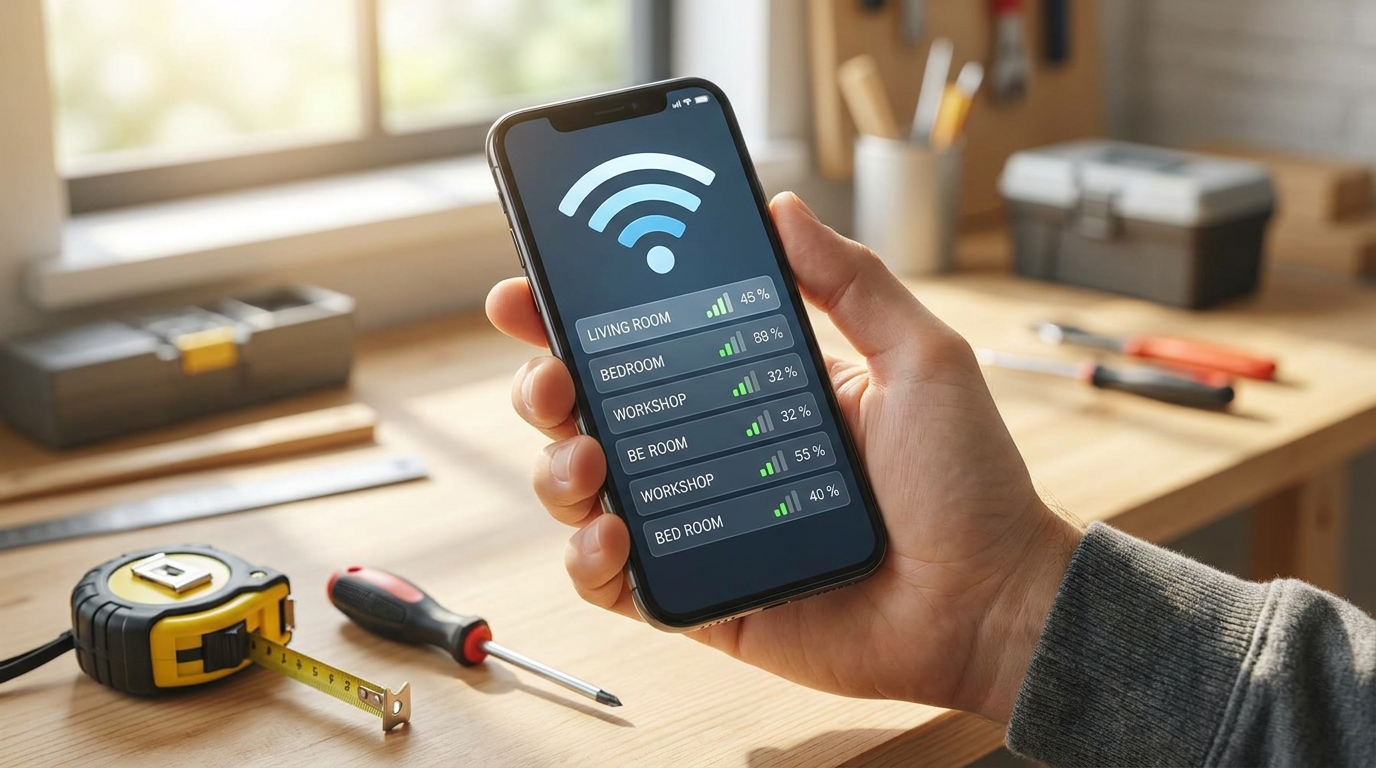
How to Improve Wi-Fi Signal at Home
Diagnose weak home Wi-Fi, reposition the router, reduce interference and choose a suitable extension method without changing provider settings unnecessarily.

Electronics
How to Clean a Computer Keyboard
Clean everyday dust, crumbs and fingerprints without removing the keys. Allow about 15 minutes plus drying time; liquid spills need a different response. For a laptop display, follow [how to clean a laptop screen safely](/en/guides/clean-laptop-screen-safely).